← See all modules
Module 9Full course
An AI app, done safely
An app that uses an AI API without exposing your key, and knows what each call costs.
What you'll build
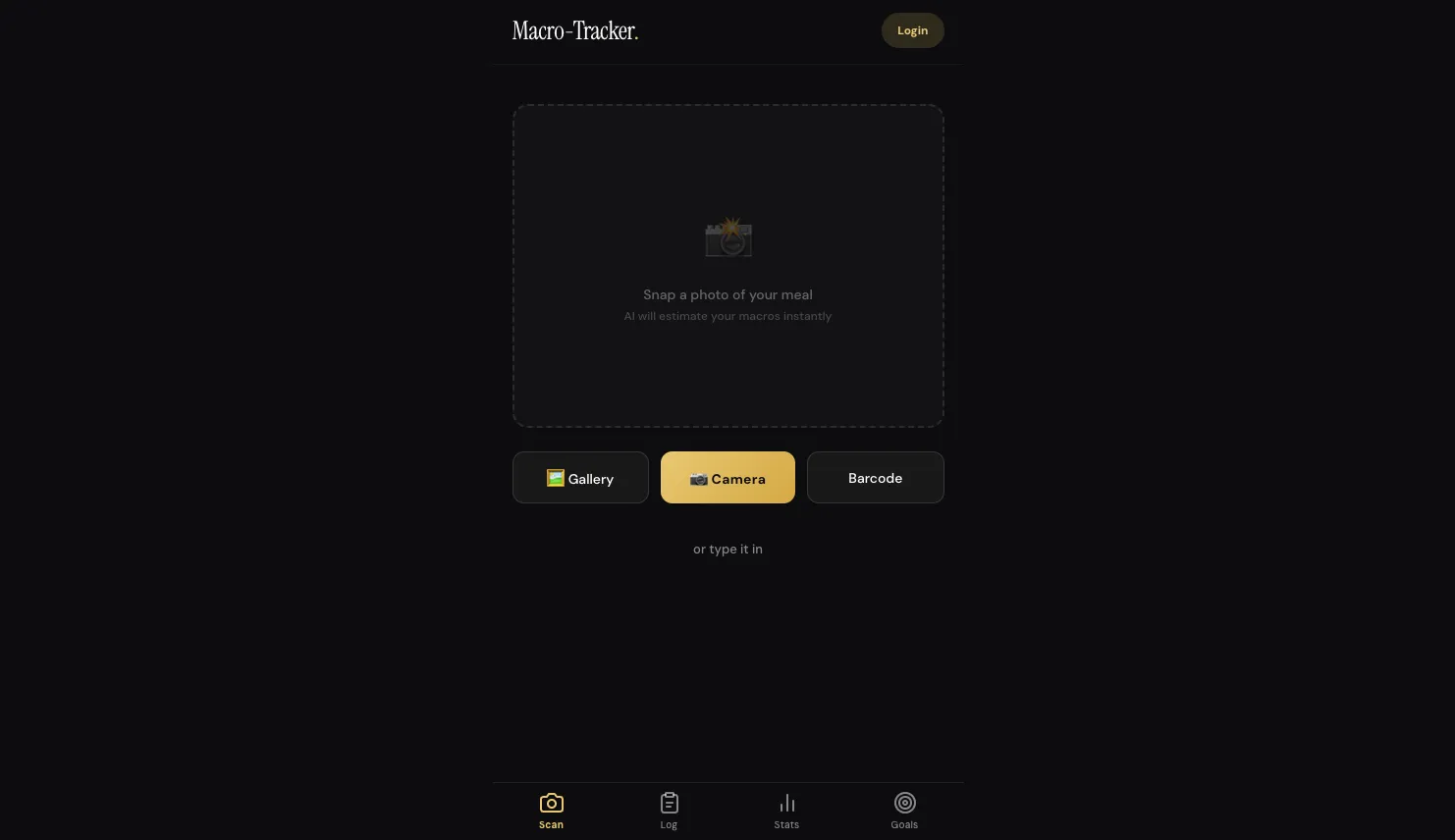
Mini Macro: you take a photo of your food and the AI returns calories, protein, carbs, and fat in a table. Inspired by Macro, a real app. The photo goes through your own server, which keeps the API key safe, and you know exactly what each photo costs.
- Inspired by a real appMacro is live. You build its essential version.
- Your key, safeThe mistake that leaks the most API keys, and how your server avoids it.
- Knowing the costCost per photo, choosing a model with data, and limits that protect your account.
What you'll learn
- How an AI API call works: request, response, and tokens
- Asking for JSON responses and trusting the format
- Why the key can never go to the browser (and the VITE_ trap)
- A backend that sits between the browser and the AI, with validation
- Calculating costs, choosing a model, and where to host the server
The lessons
0 of 4 lessons complete
- 1How an AI API worksMeet Macro, the real app behind this module, and understand requests, responses, tokens, models, and JSON responses.🔒
- 2The secret keyWhy the API key can never go to the browser, Macro's real story, the VITE_ trap, and what to do if it leaks.🔒
- 3A small server for the AIThe Mini Macro backend, line by line. Photo shrunk in the browser, validation on the server, a guaranteed JSON response.🔒
- 4Costs, limits, and going liveWhat each photo costs, how to choose a model with data, how to protect your account, and where to host the server.🔒
This module is part of the full course
Leave your email to hear when the full course opens. In the meantime, modules 1 to 4 have free lessons.